

Objective
In this tutorial, you'll learn how to top up your Facebook Ads Account via Boleto Bancário.
It is important to note that the manual payment option (Boleto) must have been chosen when the account was created. If your account has automatic payments, the balance will be paid automatically by credit card.
Step by Step to Place Balance
Step 1/5
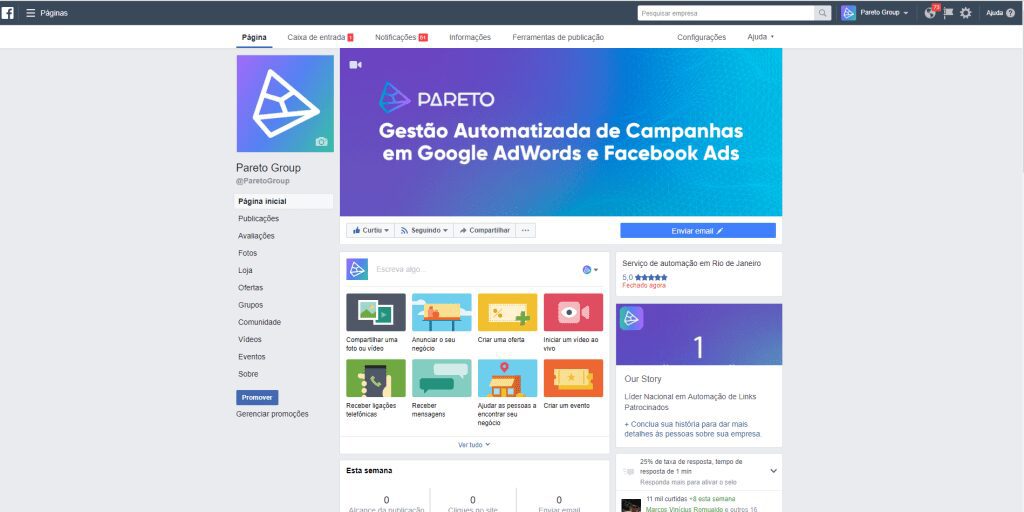
Log in to Facebook Business.
Step 2/5
Log in to your Ads Account.
Step 3/5
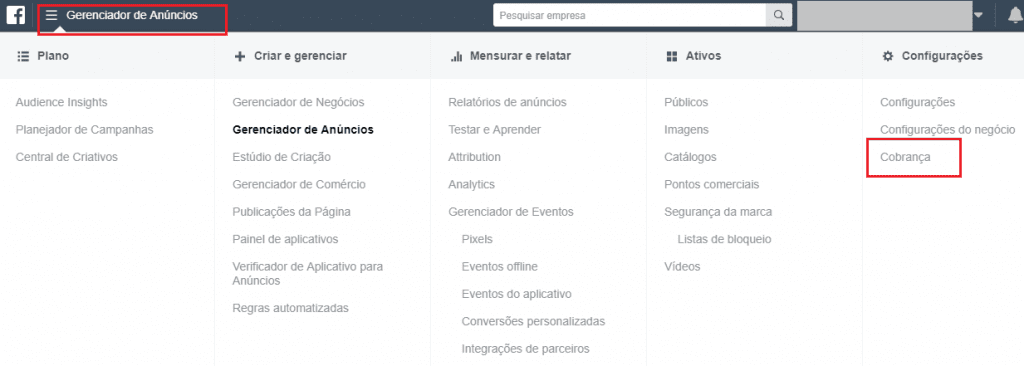
Then click on "Ads Manager" in the top left-hand corner. Then click on "Billing" in the drop-down menu.
Step 3/5
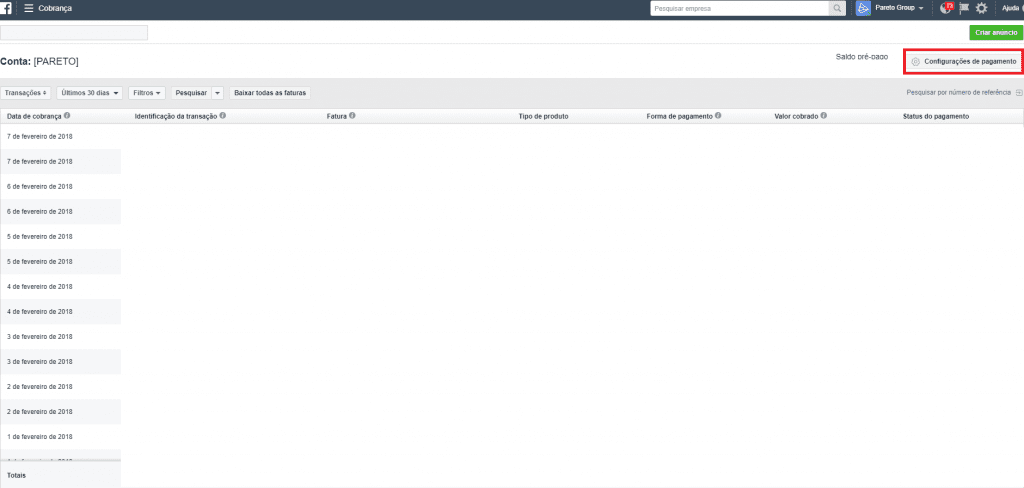
Now just go to "Payment settings".
Step 4/5
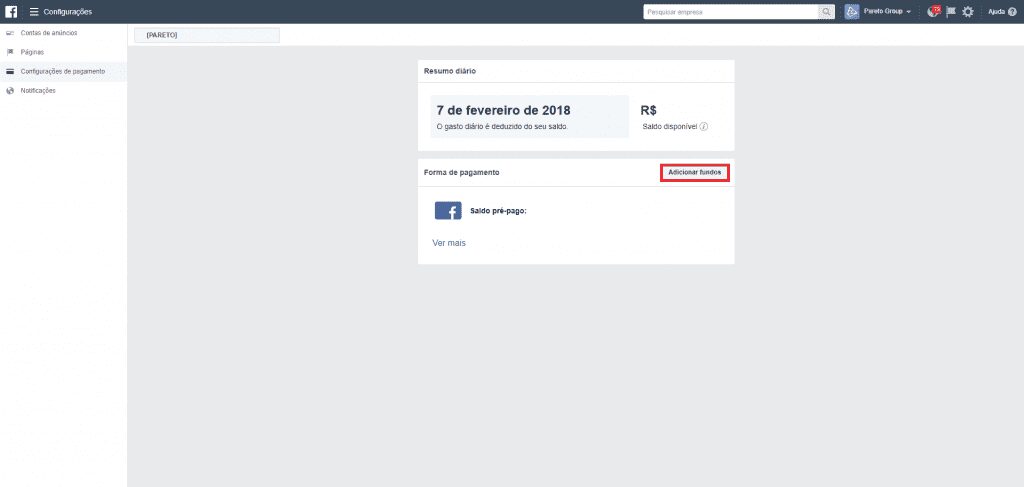
Click on "Add funds".
Now you can easily top up your Facebook account via Boleto!
If you want to learn more about Facebook Ads, be sure to check out these other articles on our blog: